Lavie AI Image Generator

✨ Create stunning AI art with Lavie AI Image Generator

Create an image from words, or sign in to edit a photo.

Free Basic imagesNo login for text to imageOptional paid featuresDaily limits apply

AI Image Generator

Fast

Text To Image

Find your inspiration & Try a style

Try a Style

Click to create

Gallery

See what you can create with Lavie AI

Image To Image

Transform your photos instantly
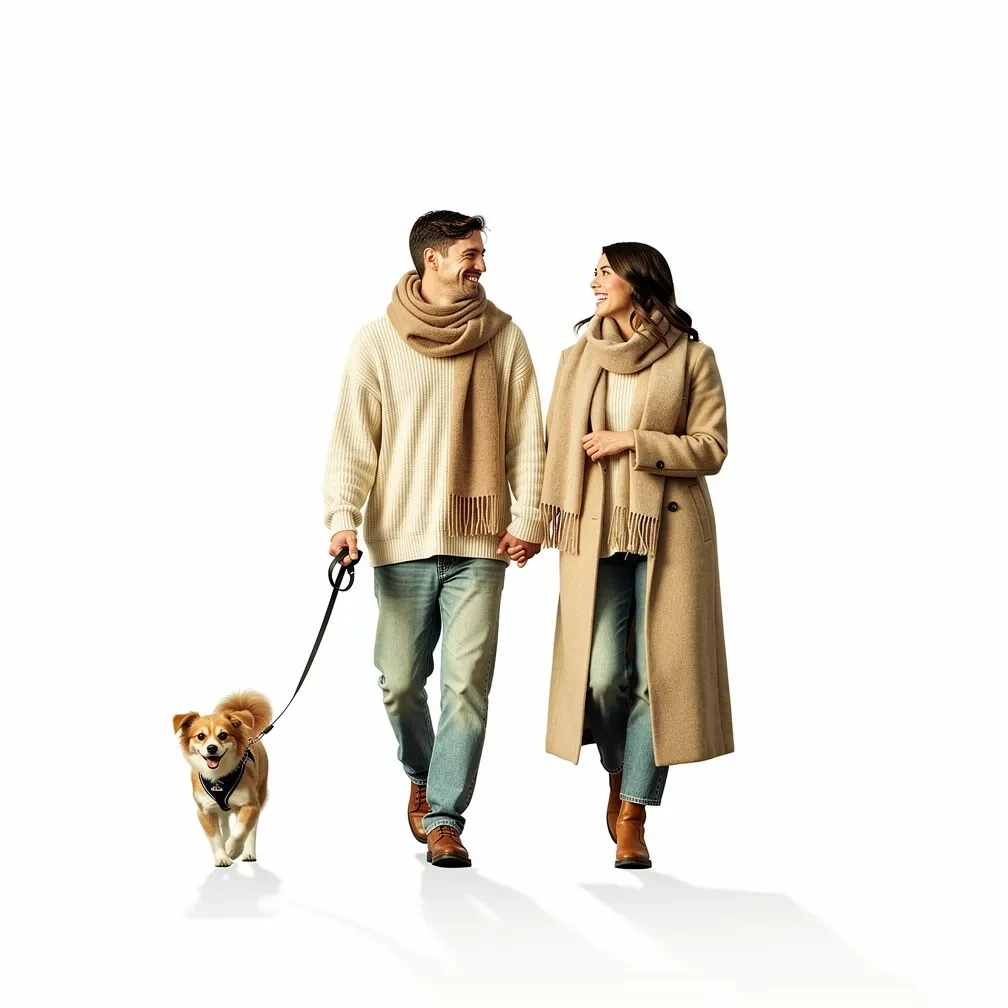
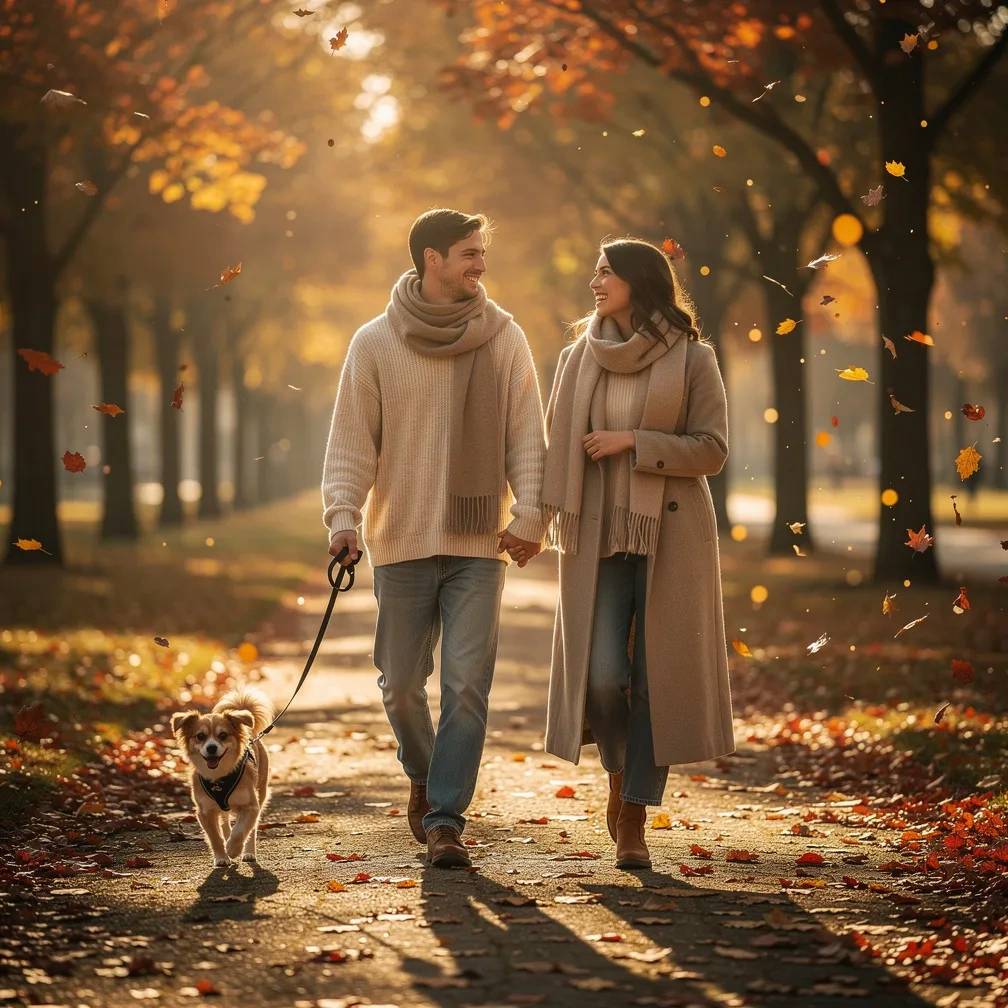
After
Before
Before
After

Why Choose Lavie AI Image Generator

💰

Free AI Image Generator

Start with free Basic text-to-image generation. Daily capacity and safety limits apply; other models and editing tools may cost credits.

✨

State-of-the-Art Quality

Our AI image generator's smart routing selects the optimal model for your prompts, ensuring exceptional AI picture quality.

📝

Advanced Text to Image

Lavie AI accurately interprets complex text-to-image prompts with multiple subjects, styles, and descriptions.

⚡

Lightning-Fast AI Generation

Our optimized AI image generator pipeline delivers stunning AI art in seconds, not minutes.

🔒

Image privacy and retention

Free images are public by default. Paid plans offer private generation with limited retention. Prompts and images are stored to deliver the service.

🎨

Multi-Style AI Support

Explore artistic, photographic and design styles from the available model settings.

Create AI Art in 3 Simple Steps with Lavie AI

✍️

1. Enter your prompt

Describe the AI image you want to see. The more details, the better our AI image generator works.

🎨

2. Choose an AI style

Select from 30+ artistic styles, or let the Lavie AI generator decide.

✨

3. Generate & Download

Get your high-quality AI art in seconds, ready to use.

Frequently Asked Questions about Lavie AI Image Generator

Have another question? Contact us at support@LavieAI.net

1.Is Lavie AI Image Generator really free to use?

Yes. Guest users can start with free Basic generations with no login required. Logged-in Free users can also claim 10 daily credits every 24 hours to try eligible paid features. Availability for guest generations may vary based on queue capacity and safety limits. No credit card is required to start.

2.Do I need to create an account to use the AI Image Generator?

Basic text-to-image generation is available without login, within service limits. Uploading, downloading and prompt optimization require an account.

3.Can I use AI images generated by Lavie AI commercially?

Yes, but it depends on your account status. Images generated by active Premium Subscribers (Creator, Plus, Studio) can be used for both personal and commercial purposes, and you retain full ownership. Images generated by Free registered users and Guest Users belong to Lavie AI and are licensed for personal use only.

4.Is my data kept private when using Lavie AI Image Generator?

Free and guest images are public by default. Paid plans offer private images. History is retained for a limited period; download files you need and manage your images from your account.

5.What AI models does Lavie AI Image Generator use?

Lavie AI Image Generator uses state-of-the-art AI models including FLUX.2 (flux-2-pro), Stable Diffusion (stable-diffusion-3.5-large), Qwen-Image, and Google's Nano Banana Pro. Our smart routing system automatically selects the best AI image generator model based on your prompt.

6.What AI image styles are available in Lavie AI?

Explore artistic, photographic and design styles from the available model settings.

7.How fast can Lavie AI generate an image?

With Fast Mode enabled, our AI image generator creates most AI images in just a few seconds. Standard AI image generation with Lavie AI typically takes 10-30 seconds depending on complexity and server load.

8.Why are there sometimes deformities in AI generated images?

This is a common challenge for all AI image generators. To improve results, use our 'Negative Prompt' feature to exclude things like 'bad anatomy, extra fingers'. You can also try generating again or using our advanced AI image generator models for better accuracy.

9.How can I provide feedback or report issues?

We welcome your feedback! You can reach our support team at support@LavieAI.net. Your input helps us improve and maintain the best free AI image generation service.

10.What's next for Lavie AI?

We're constantly improving our service with regular updates to the AI model and user interface. Future plans include mobile apps and additional creative features, while maintaining our commitment to being completely free.

Ready to Create Your AI Masterpiece?

Unleash your creativity and bring your imagination to life with Lavie AI Image Generator.